Video of a Press-1 campaign in DialerAI
Posted on (updated ) by Areski

Many marketing companies do Press-1 campaigns. The call-flow is to call your prospect, play a message to them explaining your proposition, then invite your prospect to press-1 to speak to a live agent.
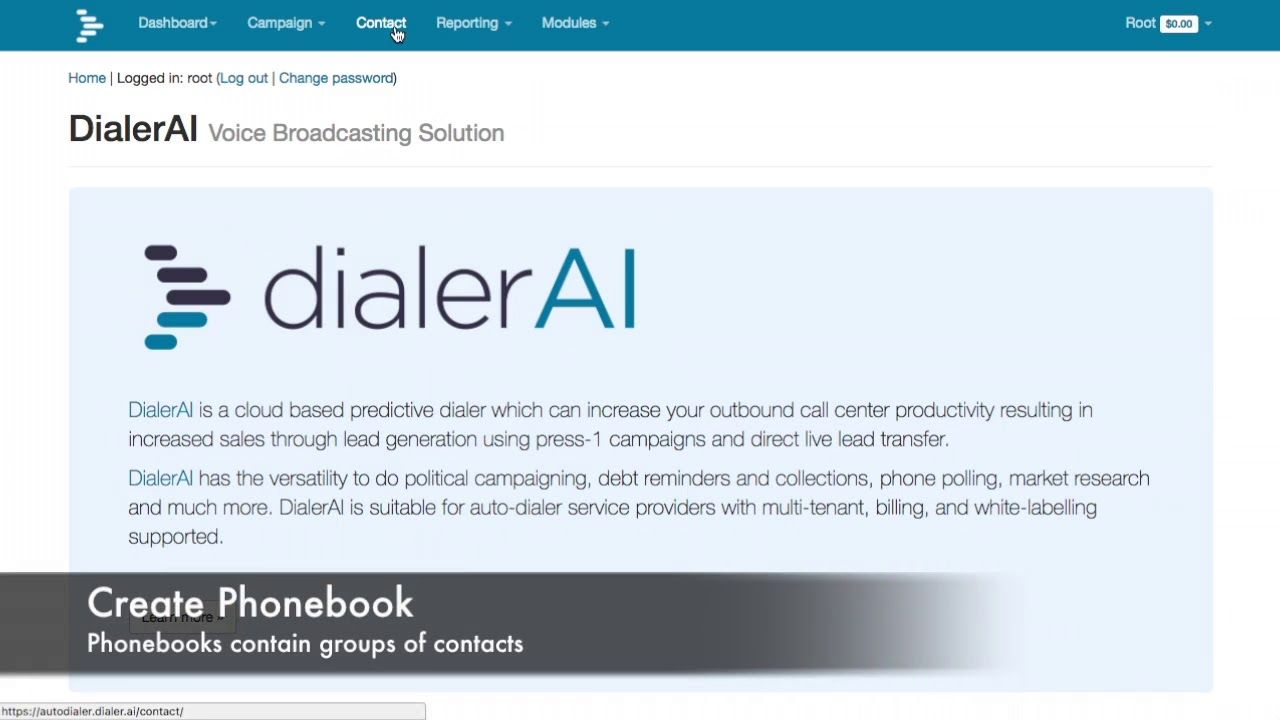
The video shows the steps to build a press-1 campaign:
- Upload audio.
- Create the voice application.
- Set up a DNC list.
- Upload contacts from a simple text file.
- Create and start the campaign.
Finally the video shows where to look for reports showing the progress and success of a campaign.
A closer look at the steps
The DNC (Do Not Call) list is worth setting up before your first campaign, not after — any number on it is automatically skipped, which keeps you off numbers that have opted out and avoids wasted calls to numbers that will never convert.
Uploading contacts is a plain text or CSV file of phone numbers; you don’t need to pre-format it into anything special before you upload it.
Reports update while the campaign is running, not just once it finishes, so you can see call volume, press-1 response rate and agent transfers as they happen and adjust the campaign — pause it, add more contacts, tweak the message — without waiting until the end of the day.
For those that are more interested about creating a press-1 campaign read more here, including a step-by-step walkthrough with a written summary of each step.
Please contact us if you have any questions or want a live demo or trial of DialerAI.